
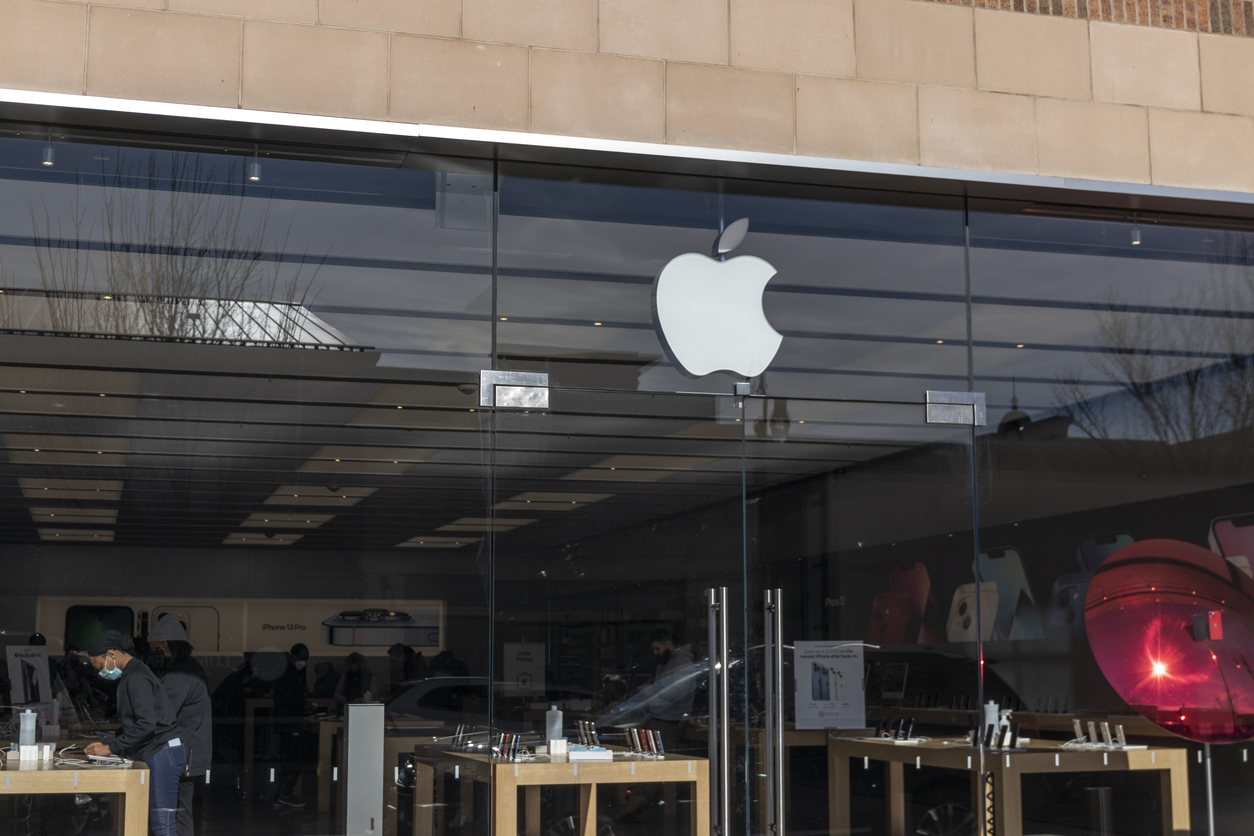
The presence of Mac computers in professional environments has been steadily increasing. Recent studies indicate that macOS holds approximately 14.59% of the global desktop operating system market share. In the United States, Mac usage in enterprises has grown from 17% in 2019 to around 23% in 2021. This upward trend is attributed to users’ appreciation for the Mac interface, design aesthetics, and seamless integration with other Apple devices like the iPhone.
The Evolution of Mac Usage in Business
Historically, Macs were predominantly used by graphic design professionals within marketing departments. However, their adoption has expanded to include business owners, small enterprises, C-suite executives, and even nonprofit organizations. This shift underscores the importance for managed IT providers to support both Windows and Mac systems in hybrid environments.
It’s not uncommon for new clients to report that their previous IT providers lacked Mac support, prompting their transition to services like ours. This gap in support is puzzling, especially considering that Mac computers are now compatible with many business applications. For instance, Microsoft Office 365 apps such as Word, Excel, and Teams operate seamlessly on Macs. Additionally, Macs can securely access OneDrive and SharePoint without the need for cumbersome secondary sign-ons.
Security Considerations for Mac Users
While Macs are often perceived as more reliable and secure than PCs, this perception doesn’t equate to invulnerability. The growing popularity of Macs has caught the attention of cybercriminals, making it crucial to implement robust security measures. Essential protections include next-generation antivirus solutions, Endpoint Detection and Response (EDR) systems, and comprehensive web security protocols.
Key Features Supporting Mac Integration
Several features facilitate the smooth integration and management of Macs in business settings:
- Mobile Device Management (MDM): Allows for centralized control of device settings, security policies, and compliance enforcement.
- Identity Management and Single Sign-On (SSO): Simplifies user authentication across multiple platforms and applications.
- Automated App Deployment and Removal: Streamlines the process of installing or uninstalling applications, ensuring consistency and security.
- Integration with Active Directory / Entra ID / Azure AD: Ensures that Macs can seamlessly join existing network directories, maintaining uniformity across devices.
Is Your Organization Maximizing Mac Support?
Consider reaching out to Pegasus if any of the following scenarios resonate with your organization:
- Mac users within your team feel unsupported or marginalized.
- There’s a need to meet compliance standards like NIST 800-171 or CMMC, necessitating enhanced security for MacBooks, iPads, and iPhones.
- Your current IT provider advises C-suite executives or graphic designers to manage their own computer support.
- Multiple Mac users require consistent access to necessary apps and data without compromising security.
- Remote Mac users need assistance with automated maintenance and security tasks.
- Mac users face multiple, cumbersome sign-ons to access shared data.
- Permissions to shared data are overly broad, potentially exposing sensitive information to unauthorized Mac users.
- Terms like Apple Business Manager, Mosyle, and Mac MDM cause confusion or concern among your IT staff.
Supporting hybrid environments that utilize both Macs and PCs requires specialized expertise. Pegasus offers comprehensive analyses and tailored plans to ensure your organization benefits from a Mac-friendly Managed Service Provider (MSP).
For more information on our services and how we can assist your organization, you can read more about how we approach IT support and contact us today.
