
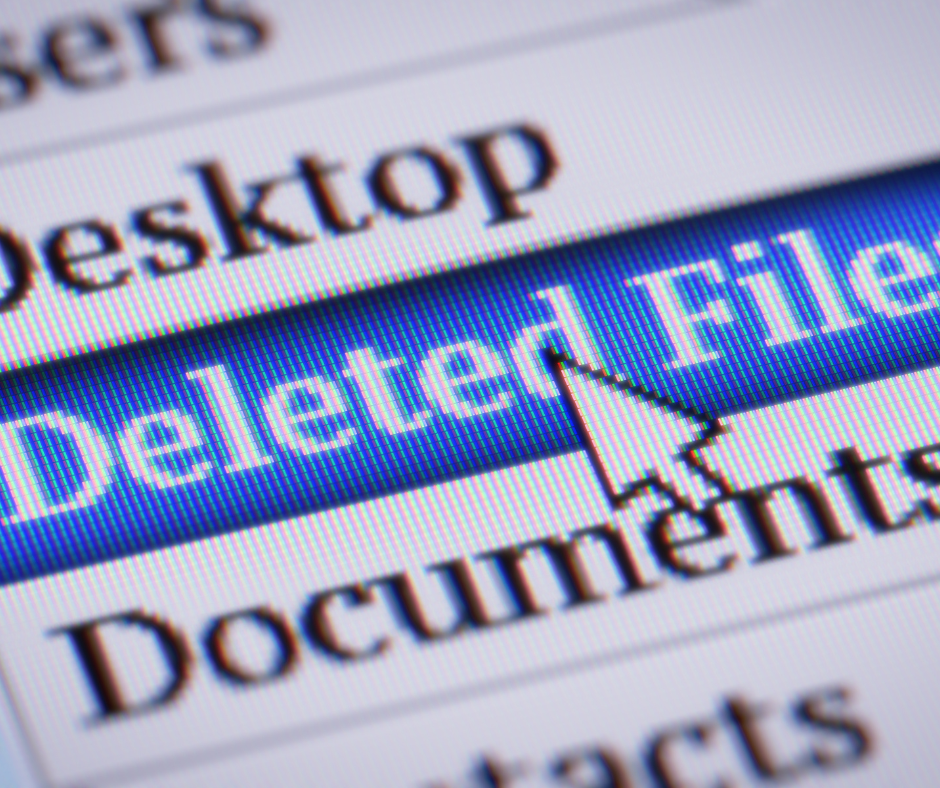
As we prepare for the summer, spring cleaning is a time-honored tradition that often focuses on decluttering our living spaces. However, this year, consider extending that cleaning energy to your digital data. Just like physical clutter, digital clutter can accumulate and cause various issues. Whether it’s files and folders you no longer need in your email, hard drive, or cloud storage, now is an excellent time to purge. This practice not only saves money and time but also enhances your cybersecurity posture.
Unused and unnecessary files consume valuable storage space, leading to higher storage and backup costs. By purging old files, you can minimize these expenses. This is particularly important if you use cloud storage services that charge based on the amount of data stored. By reducing your data footprint, you can extend the useful capacity of your devices and services, delaying the need for costly upgrades.
Digital clutter can slow down your computer’s performance. When your computer has to manage a large number of files, it spends valuable CPU cycles and memory on tasks unrelated to your immediate needs. By cleaning out unneeded files, you free up system resources, ensuring that your computer runs more efficiently and quickly. This means less time waiting for files to load and more time being productive.
One of the most overlooked benefits of digital decluttering is improved cybersecurity. AI tools and cybercriminals are increasingly adept at uncovering data you thought was long forgotten. Sensitive information stored in old emails, spreadsheets, and documents can be a goldmine for hackers. One fundamental reality in cybersecurity defense is that it’s hard for criminals to steal deleted data. By regularly purging unnecessary files, you reduce the risk of sensitive information being exposed.
Start by conducting a thorough audit of your digital storage. Identify files and folders that are no longer needed. These could include old project files, outdated spreadsheets, duplicate documents, and temporary files. Be systematic in your approach, working through each storage location methodically.
Once you’ve identified the files and folders to delete, proceed with caution. Ensure that you have backups of any critical data before purging. For files stored in the cloud, take advantage of any available tools to permanently delete data, ensuring it’s not recoverable.
Emails can be a significant source of digital clutter. Sort through your inbox and archive or delete messages that are no longer relevant. Unsubscribe from newsletters and mailing lists that you no longer find useful. Many email services offer tools to help automate this process, making it easier to manage large volumes of email.
Outdated software can be a security risk, as it may contain vulnerabilities that hackers can exploit. Ensure all your software, including operating systems and applications, are up-to-date with the latest patches and updates. This reduces the risk of cyberattacks and ensures your systems are running optimally.
If you have old devices that you no longer use, ensure they are securely wiped before disposal. Simply deleting files is not enough, as data can often be recovered. Use specialized software to perform a secure wipe, ensuring that no data can be retrieved.
Spring cleaning your digital data is a valuable practice that offers numerous benefits. By purging unnecessary files, you save money, improve system performance, and enhance your cybersecurity defenses. As AI and cybercriminals become more sophisticated, taking proactive steps to manage your data is crucial. This summer, extend your spring cleaning efforts to your digital world and enjoy a safer, more efficient digital environment.
Remember, a clean digital space is a secure and productive one. Happy cleaning!
