
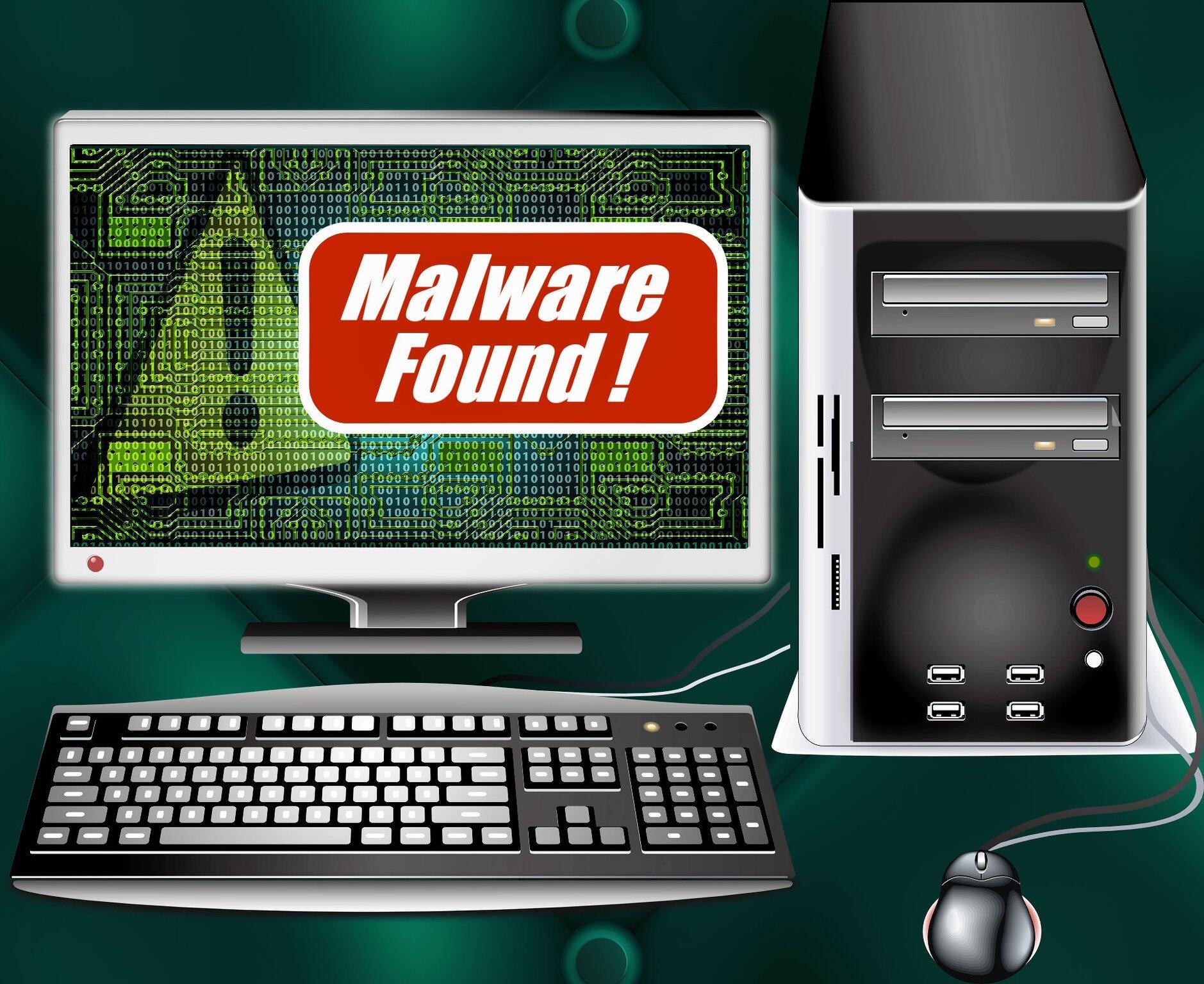
It’s a busy morning at your small business. The coffee’s brewing, the team is buzzing, and orders are pouring in.
Just as you’re about to celebrate hitting a new sales milestone, disaster strikes.
Your computer screen freezes, and your data’s in trouble. Malware might be to blame. But how do you prevent this scenario from occurring?
We’re here to help. Read on to learn how to protect your data against malware attacks.
Improve Security
Conduct a thorough risk assessment and security audit to find any possible vulnerabilities in your computer systems and processes.
Develop a comprehensive security policy that outlines rules and procedures for data protection, including guidelines for employee behavior, device usage, and data handling.
Train employees on cybersecurity actions, including how to figure out phishing attempts, suspicious emails, and social engineering tactics. Conduct regular security awareness sessions to keep employees informed about the latest malware threats and preventive measures.
Implement a robust backup strategy that includes regular backups of critical data to secure locations. Test backup and recovery procedures periodically to ensure data integrity and the ability to restore your business operations quickly in case of a malware incident.
Secure Passwords
Passwords are an important part of avoiding malware attacks and keeping your data private. Get your workers to create strong passwords that are at least 12-16 characters long. Use a mixture of different letter cases, numbers, and special characters.
Try not to use anything easily guessed, like birthdays, names, or common words.
Enable MFA wherever possible, especially for accessing critical systems, cloud services, and sensitive data. This gives you an extra layer of online security by requiring a second form of verification.
Avoid storing passwords in plaintext or insecure formats. Use reputable password management tools that encrypt and securely store passwords. If passwords must be stored manually, ensure they are kept in a secure, encrypted location accessible only to authorized personnel.
Isolate Your Network
Divide your network into different segments based on the data’s sensitivity and the level of access required. For example, create separate segments for guest Wi-Fi, employee devices, and critical systems.
Use VLANs to isolate different segments while allowing controlled communication between them as needed.
Look into VPNs for secure remote access to the network. They’re especially important for employees working from outside the office or connecting from public Wi-Fi networks. Ensure VPNs use strong encryption protocols and require multi-factor authentication for added security.
Security Analytics
Analytics can help you identify problem areas. Gather relevant data sources for security analytics, such as network logs, system logs, endpoint activity logs, firewall logs, and application logs.
Leverage UEBA capabilities within your security analytics framework. That will help you detect abnormal behavior patterns and insider threats. Monitor user activities, privilege escalations, and access patterns to identify potential malicious activities or compromised accounts.
Protect Yourself Against Malware Attacks Today
With these tips, you should be safer against malware attacks in no time.
Are you looking for IT support for your small business in Wayne? Pegasus Technologies is here for you. Our people-focused approach helps ensure small businesses like yours always have the support you need.
Contact us today.
