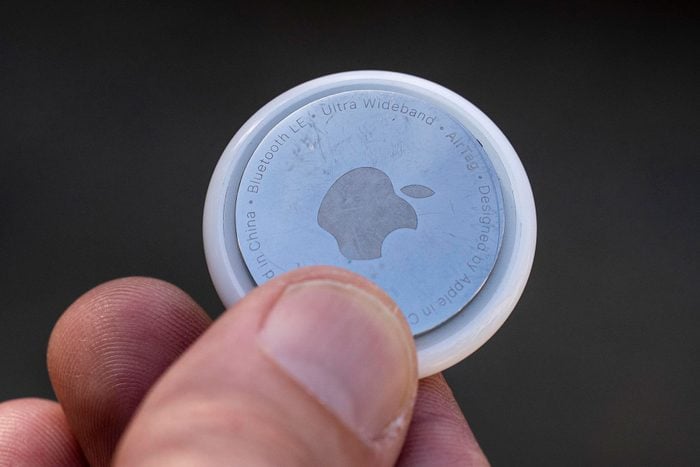
| Apple (the maker of iPhones) and Google (the software maker of Android-powered phones) are both working on updates that will notify you if a tracking device is following you.
Don’t want to wait for a notification? open the Find My app on your phone and go to the “Items” tab. If you see an AirTag you don’t recognize, tap on it for more information.
If you see an AirTag that isn’t yours and it stays with you as you change locations, consider contacting law enforcement. Every AirTag has a unique serial number, which can help identify the owner or purchaser of the tracker. That same serial number is available in the app along with the last four digits of the registered owner’s phone number.
To check for other tracking devices that use your cell phone, you could look under Settings for unexpectedly connected Bluetooth devices and WiFi networks.
Check out the Tips and Tricks section of our blog for more DIY technical know-how. Want some tips in a particular area? We love your requests, so feel encouraged to let us know what you want to see next month! |